
One of the most requested dispatch features
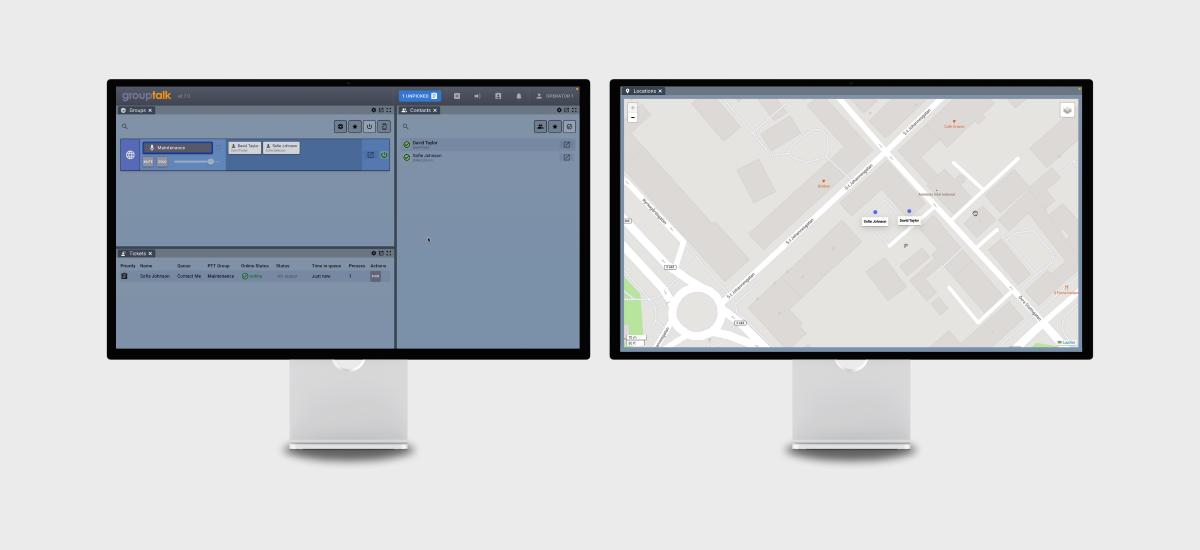
You can now detach various panels and customize your workspace in Dispatch 2—a feature previously available in Dispatch 1. For example, you can separate the locations panel and place it on another screen—perfect for creating a more efficient work environment. See the example of this setup in the image above.
How to detach panels:
- Detach a panel: Click the icon with a square and an arrow (located between the gear icon and the fullscreen icon in the top-right corner of each panel).
- Panel detached: The panel will pop-out and become a separate window. Adjust the detached panel to fit your workflow.
- Reattach the panel: To return the panel to its original position, drag the tab (e.g., "Locations") back to its place. A white box will indicate where the panel will be placed.