
PTT groups
A PTT group (talk group) is a voice channel where users can communicate instantly at the push of a button. Only one person can speak at a time. Mobile users can join a primary group and monitor other groups in the background, while dispatchers (in PC Dispatch) can participate in multiple groups simultaneously. All communication takes place in real time, and access to the groups is centrally managed online in GroupTalk Admin.

Scanning
GroupTalk’s scanning feature lets mobile users listen to multiple PTT groups at once, while still participating in their primary group. When a conversation starts in a scanned group, users are automatically moved there and return once the conversation ends. Ideal for emergency or announcement groups. Scanning ensures you never miss important updates.

Private call
In addition to group push-to-talk, users can easily initiate private calls for a secure, one-on-one communication experience. This creates a temporary half-duplex session that only the involved parties can hear, ensuring privacy when needed. You can configure settings to allow calls to be initiated from one party only, adding an extra layer of control and security.

Panic alarm
Alert colleagues and emergency teams with a panic alarm that triggers real-time location tracking, listen-in, and automatic SMS notifications. Managed centrally, it activates key safety features and location updates to control rooms and team members. The alarm stays active until cleared by an authorized user, ensuring continuous monitoring and rapid response in critical situations. External alarms are available upon request.

Queue
Queue lets mobile workers request assistance without interrupting their workflow. By entering a queue with a single button press, workers can avoid direct calls to dispatchers. Dispatchers manage the queue, prioritize requests, and take action as needed. Multiple queues can be set up, and users can update dispatch on their status, ensuring smooth communication and efficient response.
Full Duplex
Full duplex communication allows all participants to speak and be heard at the same time—no push-to-talk button is required. It works like a traditional conference call with open microphones, enabling seamless, hands-free group voice communication. This makes it ideal for high-stakes operations such as crane control or directing aircraft in hangars.

Text messaging
GroupTalk’s text messaging lets you share addresses, names, or sensitive info privately. Available in both PTT groups and private calls, you can control who sends and receives messages, making it ideal for announcements or dispatcher-initiated conversations. For GroupTalk users with Group PTT, adding text messaging is free and enhances your communication instantly.
Sharing
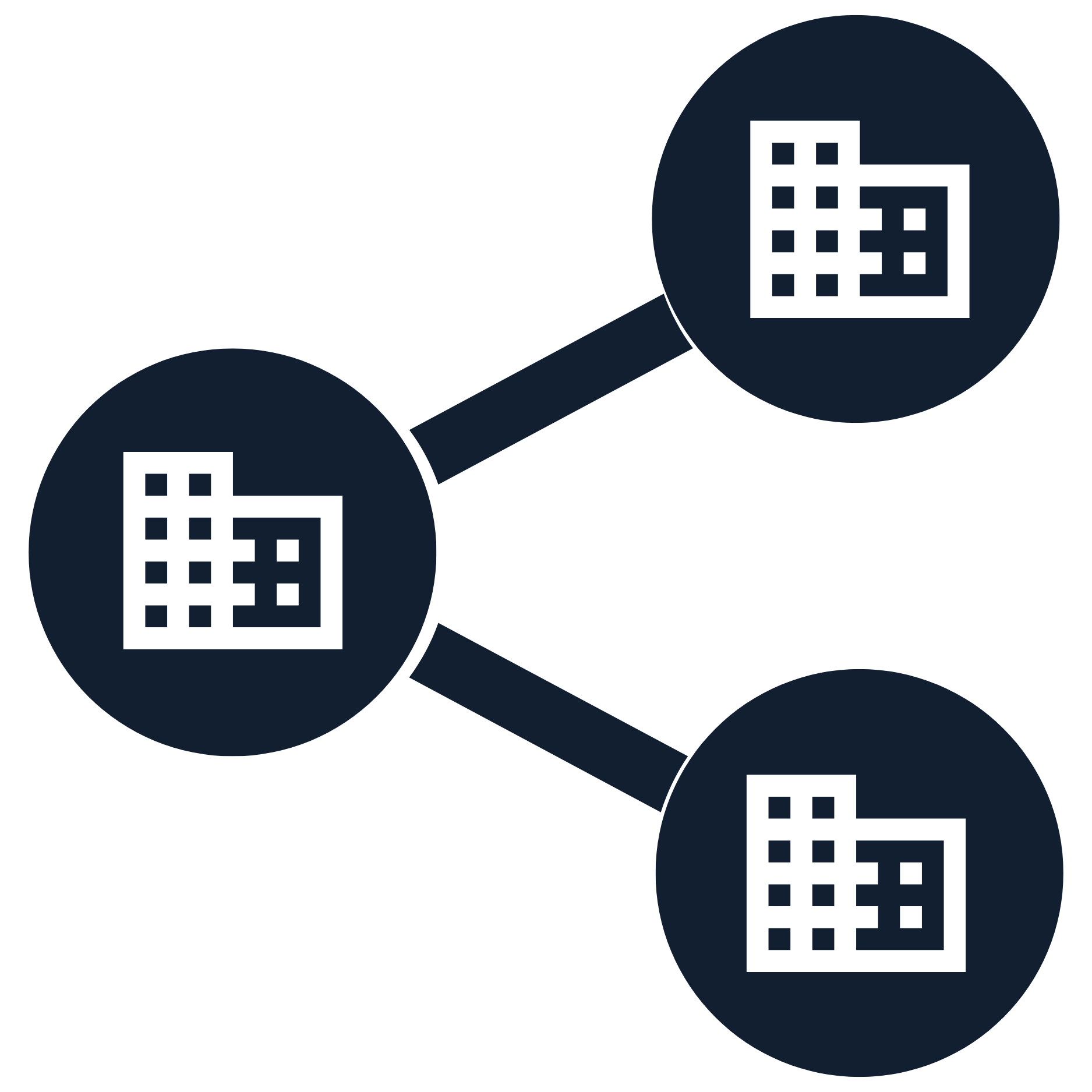
GroupTalk’s Sharing service enables organizations to share network resources like PTT groups, panic alarms, location data, and messaging. Ideal for collaborative environments, such as construction sites or companies with personnel in vulnerable situations, it streamlines communication and ensures efficient coordination, safety, and resource management across teams.

Live video
GroupTalk’s live video streaming feature lets you share real-time visuals with colleagues in both group and private calls. Whether in a Full-Duplex group or a one-on-one conversation, you can show exactly what you’re seeing, making remote support more effective. Ideal for troubleshooting, guidance, or providing visual context during critical situations, it ensures seamless collaboration across teams, wherever you are.

Location tracking
GroupTalk’s Location Tracking lets you view colleagues' real-time locations on PC Dispatch or access historical data through the web admin. Track movements, time spent at locations, and user speed, with privacy ensured by configurable data storage, automatic deletion, and restricted access for authorized users only, maintaining security and compliance.

Call sign
GroupTalk’s Call Sign feature lets users assign a unique call sign to their device, providing clear identification for both mobile users and dispatchers. Perfect for staff who switch tasks or locations, like guards moving between sentries, it ensures colleagues know who is using each device. Whether for a set of generic radios or specific assignments, Call Sign makes communication more efficient and personalized.

Contact sync
GroupTalk’s Contact Synchronization feature ensures that important contacts outside your network are easily accessible within the app. Ideal for personnel working on remote sites who need to report or connect with contacts outside their GroupTalk network, it provides seamless access. Administrators can also manage and ensure that all users have access to the necessary points of contact, streamlining communication.

User status
GroupTalk’s User Status feature lets users update their availability—such as “Available,” “Busy,” “On Route,” or “Lunch”—visible to both mobile and PC dispatchers. Admins can customize names and colors to suit different workflows. Users can quickly update their status in the app, keeping teams informed without PTT calls. User Status ensures smooth communication and efficient coordination in any operation.

Tone signaling
Tone signaling is a communication method where a sound/tone can be used to communicate among colleagues in a work team when speaking is not suitable. Instead of speaking via Push To Talk, tones are sent in the talk group by pressing a tone button. Typically, the user has a Bluetooth PTT button in their pocket that can be discreetly pressed to send tones via the GroupTalk app on the mobile.

Image, video & file sharing
Users can share images and documents directly in the text chat, making communication faster and more informative. Whether reporting incidents, documenting equipment issues, or providing visual updates, teams can easily send photos and files from both the mobile app and PC Dispatcher. In time-critical operations, visual information can be just as important as voice communication.

IP network
GroupTalk works seamlessly across mobile 4G, 5G, and WiFi networks – ensuring reliable communication no matter where your team is located. From the office to the road, and even in the most remote areas, connectivity remains consistent. For enterprises demanding maximum control and security, GroupTalk integrates effortlessly with private 5G networks, making it the trusted choice for business-critical communication.
Voice recording
Our voice recorder can be configured to record and store any combination of group PTT, private calls, and voice monitoring during panic alarms. A web-based tool exists for playback of recordings and for exporting them to a more portable file format when needed for evidence or training purposes. The voice recorder is available as a cloud service and as an on-premises solution.
Smartphone app
The GroupTalk app is a modern voice communication app that turns Android and iOS smartphones/tablets into powerful two-way radios. With a single button press in the app, you and your colleagues can communicate instantly. All features in the app—such as personal alarms, text messages, statuses, video, and others—are centrally managed via a web-based admin interface and are pushed directly to users wirelessly (Over The Air, OTA).

PC Dispatch
GroupTalk PC Dispatch is a web-based solution for control rooms. It allows dispatchers to monitor multiple PTT groups and private calls simultaneously, manage queues, and handle personal alarms. Dispatchers can view users’ locations in real time, respond to text messages, and stream live video to see what is happening on site—ensuring full situational awareness and fast, coordinated responses.

Web admin
GroupTalk Web Admin is a web-based administration portal where the admin user in an organization can add new users, create PTT groups, enable features, design user categories, and update settings in real time. Every time the admin user deploy new features or adjust group configurations, these updates occur automatically over the air (OTA) to the end user.

Group locking
The group locking feature allows GroupTalk dispatchers to lock PTT groups so that users cannot join the locked groups. Group locking can be useful when an organization does not want mobile users to communicate with each other in a PTT group without a dispatcher being present. This means the dispatcher has control over which groups are open and available for communication.

Group patching
Patching allows a Dispatcher to link two or more PTT groups together. An example use case for patching groups is when an organization collaborates across regional boundaries within the country. When the work team moves across borders, the Dispatcher can patch together the PTT groups that need to hear and communicate with each other at that moment.

Alert text messaging
Dispatchers can send alert text messages that stand out with red text and a loud signal, ensuring urgent messages are noticed. Alerts bypass silent or “Do Not Disturb” modes on mobile devices, minimizing the risk of missed communications. This feature is critical for safety, emergency services, and business-critical operations.

Alert notification
The alert notification feature enables organizations to quickly send critical information to relevant users. In extraordinary situations, an administrator can send alerts that override silent and do-not-disturb modes, ensuring immediate attention. A key advantage is that notifications can also reach offline GroupTalk users, ensuring important information is not missed even when users are offline.

Cloud
GroupTalk Cloud is a secure service hosted within AWS in the EU, ideal for organizations that want reliable communication without having to manage their own IT. With no servers or maintenance to take care of, your teams can get started quickly and scale as needed. 98% of GroupTalk’s customers choose this model for its cost efficiency, flexibility, and ease of use.
Private cloud
Private Cloud runs on AWS in a dedicated environment, giving you greater control and data separation while still benefiting from the advantages of the cloud. It offers a balance between cloud and on-premise, making it ideal for organizations with compliance requirements such as NIS2 or ISO. Your teams get access to all of GroupTalk’s core features, with the option to add advanced functionality when needed.

On-premises
On-premises is installed on your own IT infrastructure, giving you full control and maximum security. This model is designed for organizations with the strictest requirements, such as public safety, emergency services, and critical infrastructure. With local operation and no dependency on external cloud services, On-Prem ensures complete ownership of data and system management.
AD- & SSO-integration
APIs, Active Directory integration, and Single Sign-On ensure secure and centralized control over user access. New accounts are provisioned automatically across systems, simplifying onboarding while increasing security. This makes user management efficient, scalable, and seamless for large organizations.

Reports & archives
GroupTalk’s web admin includes an advanced reporting generator. We aim to keep it up to date with the latest requests, but let us know if you cannot find a report that meets your needs. Custom reports for usage analytics and other purposes are also available.

Encryption
GroupTalk ensures secure communication through SSL (HTTPS) and AES 256-bit encryption. All voice and data traffic is protected against eavesdropping and unauthorized access. This industry-standard encryption safeguards sensitive information and gives organizations full confidence in their critical communications.

Flexible license model
Our pricing starts from EUR 8 per user per month, making it accessible for organizations of all sizes. Daily licenses are available from EUR 1, while annual plans provide long-term savings and volume discounts. Businesses can mix daily, monthly, and annual licenses to match their specific requirements, ensuring cost efficiency and flexibility.
Radio bridge
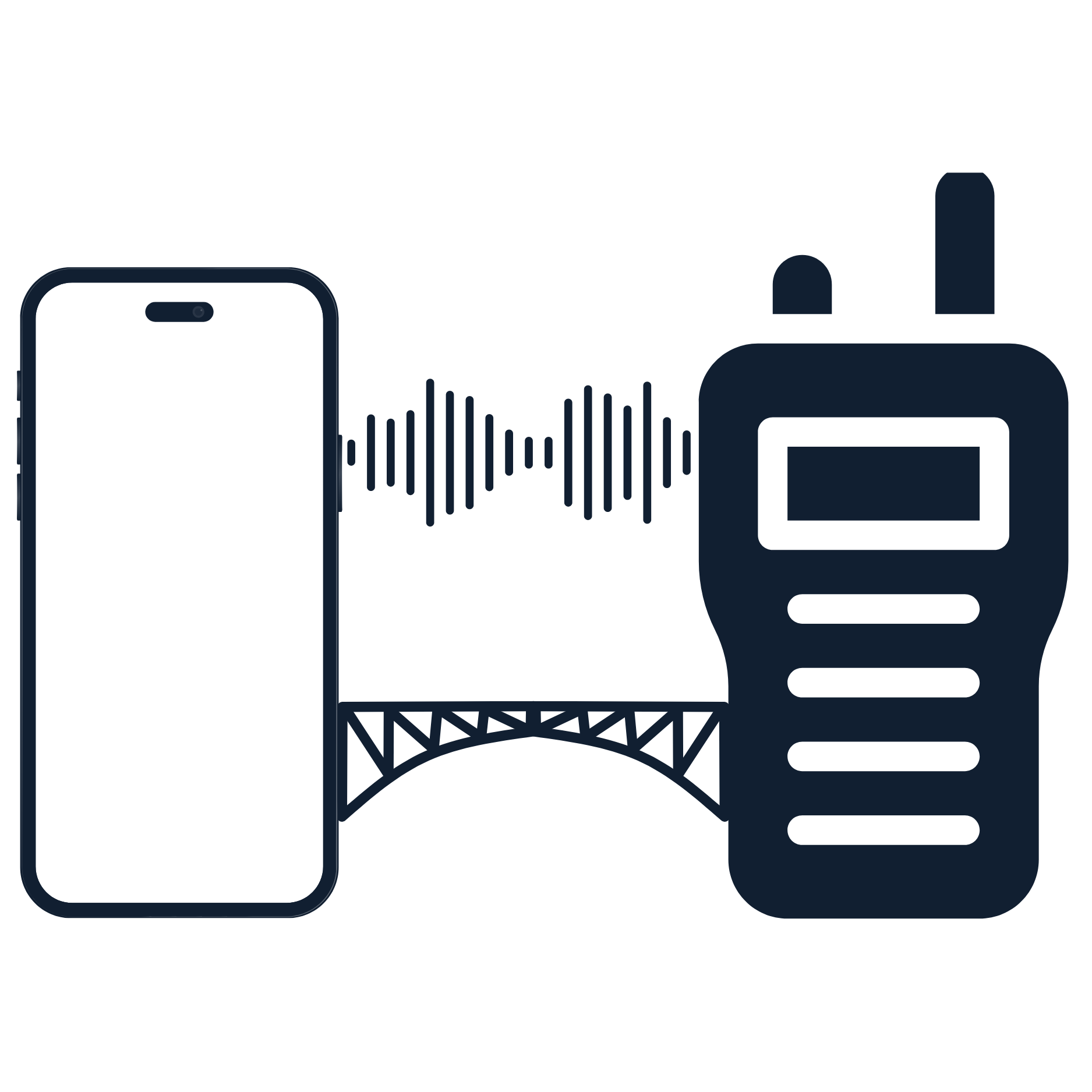
A radio bridge connects traditional two-way radio systems with GroupTalk, enabling seamless communication between radios, smartphones, and PC Dispatch. This integration extends coverage beyond radio range by leveraging cellular and Wi-Fi networks. Organizations can continue using their existing radios while ensuring reliable connectivity across teams, devices, and environments.

Two-factor authentication
Add an extra layer of protection to your GroupTalk ID. 2FA (Two-factor authentication) requires a second verification—such as a code from a mobile app, SMS, or hardware token—ensuring only authorized users can access critical communication tools and keeping accounts secure even if passwords are compromised.