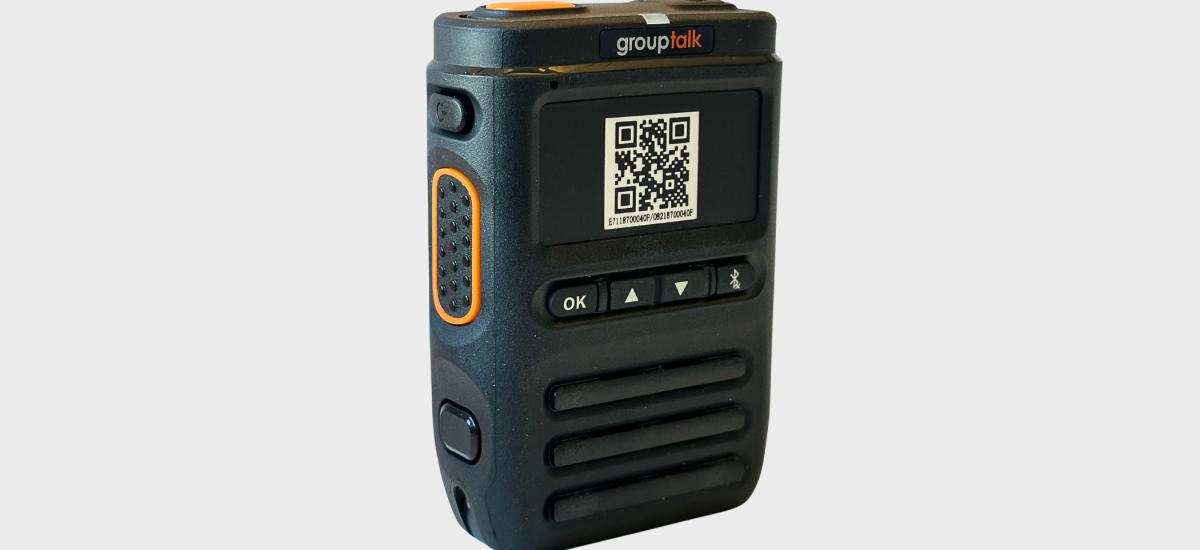
Simplified bluetooth pairing with QR codes
Bluetooth pairing can be challenging — especially in busy work environments where multiple colleagues use similar devices. It’s easy to pair with the wrong RSM, connect to a colleague’s headset by mistake, or find that the device from yesterday’s shift is still locked to another phone. These small issues can slow down workflows and create unnecessary frustration.
To solve this, GroupTalk has developed a new QR-based pairing feature that streamlines the entire process. With QR pairing, users can quickly and reliably connect Bluetooth Push to Talk accessories such as headsets, Peltor earmuffs, and RSMs directly from the GroupTalk app. All you need to do is go online in GroupTalk, scan the QR code on the accessory — and the pairing is complete within seconds.