
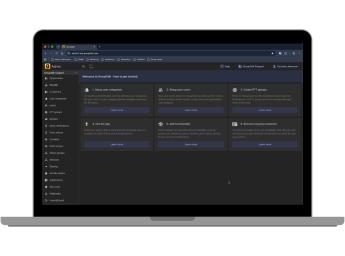
Rebuilt on a modern platform
While the portal has been completely rebuilt on a modern platform, we've deliberately kept the overall experience familiar. Existing administrators will recognise the workflows they use today and should be able to start using the new portal immediately.
The result is a future-ready administration platform with improved performance, enhanced security, and several highly requested usability improvements.
What's new?
- Customise table views by showing or hiding columns
- Improved search and filtering capabilities
- Update multiple users simultaneously with bulk actions
- See which users are currently online directly in the user list
Improved navigation: We've reviewed and refined the portal layout to make frequently used functions easier to find and access. For example, several commonly used controls have been repositioned for quicker access and a more intuitive workflow.
Built-in help: Relevant help content is now integrated directly into the portal, making it easier to access guidance while continuing your administration tasks.
New administration capabilities: The new portal introduces settings that were previously unavailable through the admin interface, including: Recording administration and client version restrictions.
Better experience across devices: Whether you're working from a desktop, laptop or tablet, the new portal provides a more responsive and user-friendly experience.